Find the tab.
Follow the link.
Command Center ⌘ K
Call up the tab you had open.
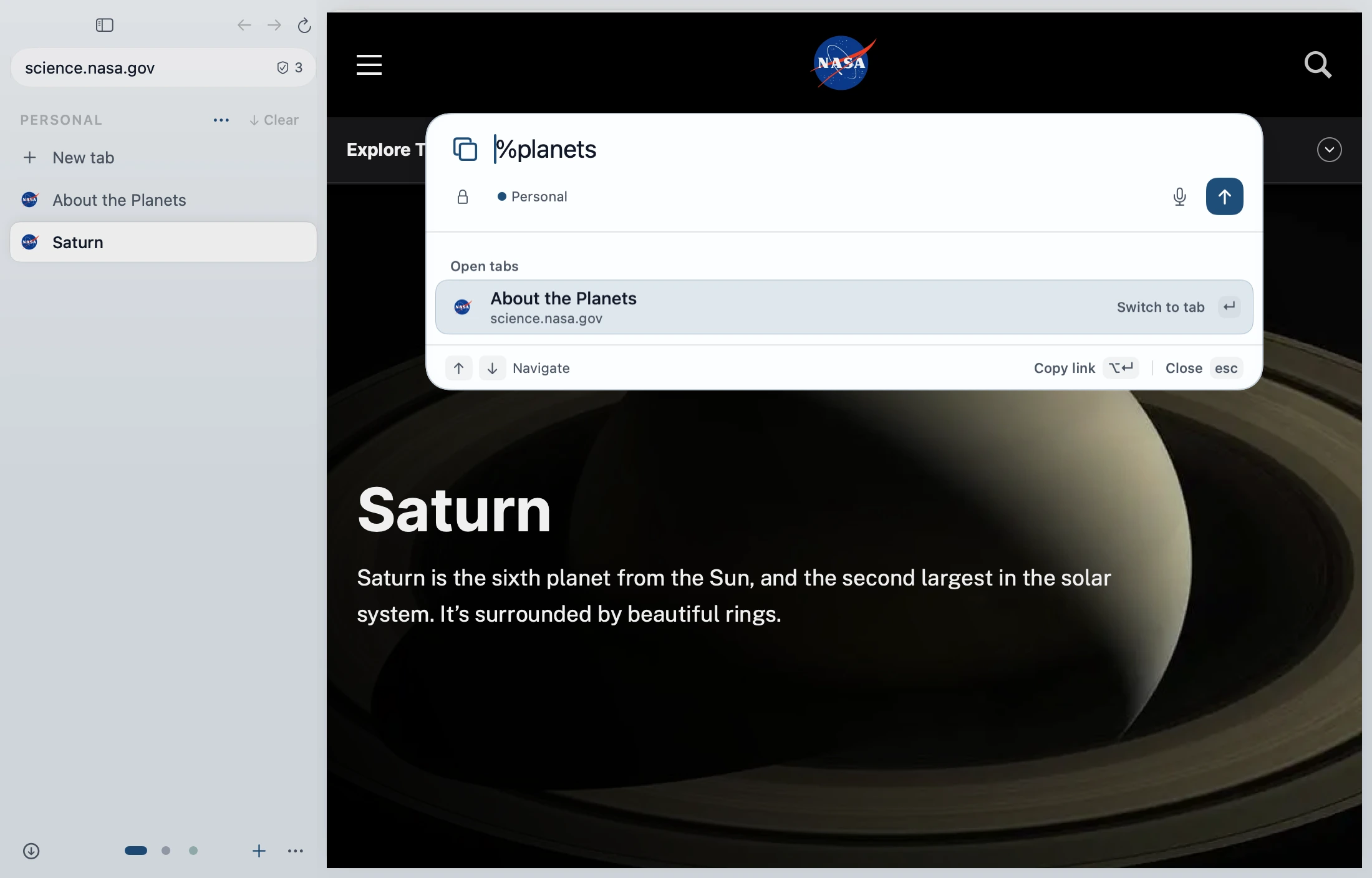
Press Command-K anywhere in an ordinary Argo window. Type %planets to find the Planets tab by title, then press Return to jump there. Switch to Actions to find a browser command.
Link Peek ⇧ Click
Read the link. Keep your place.
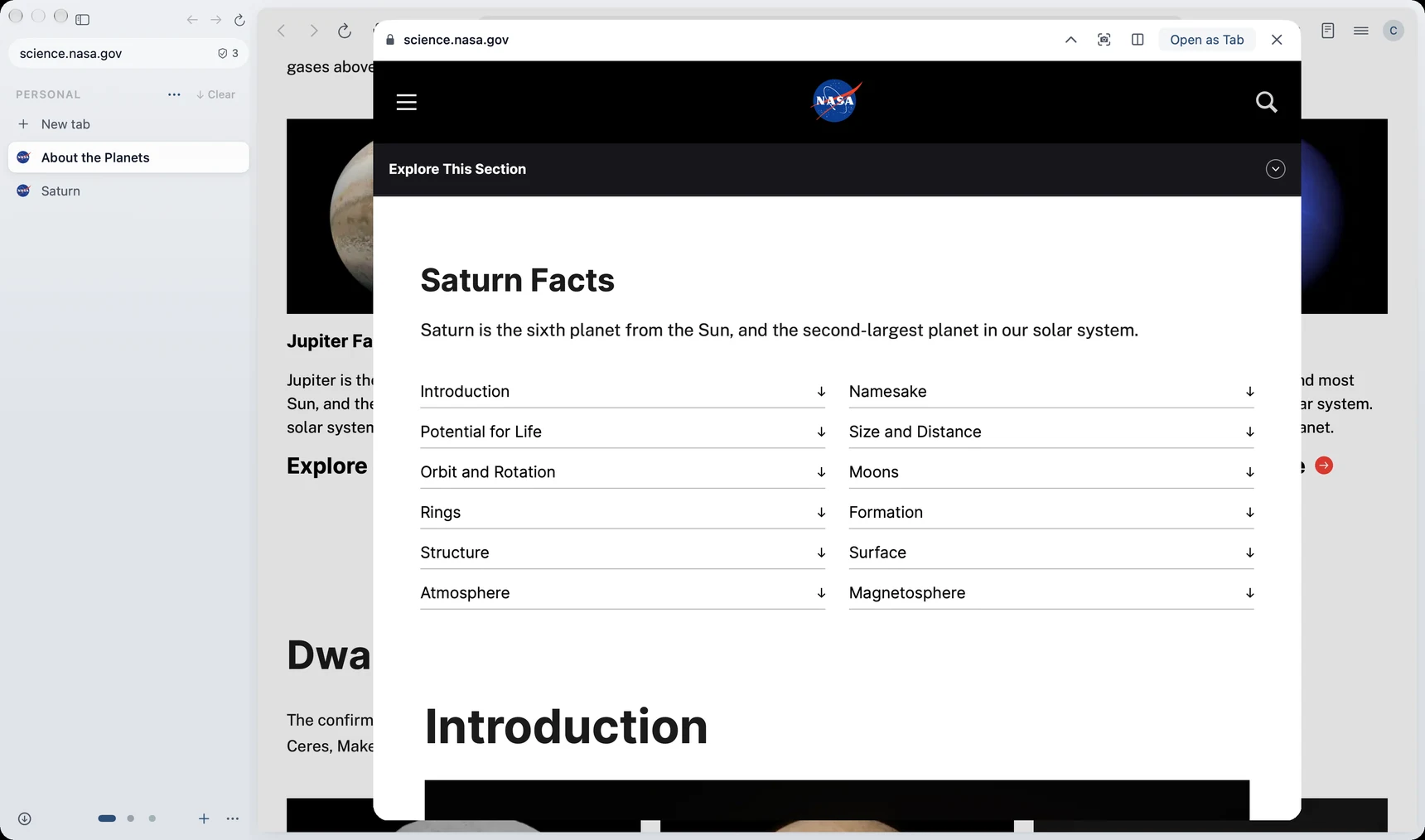
Shift-click a link to open it over the page you’re reading. Press Escape to go back, or Return to keep the preview as its own tab.