Argo

Scroll to open
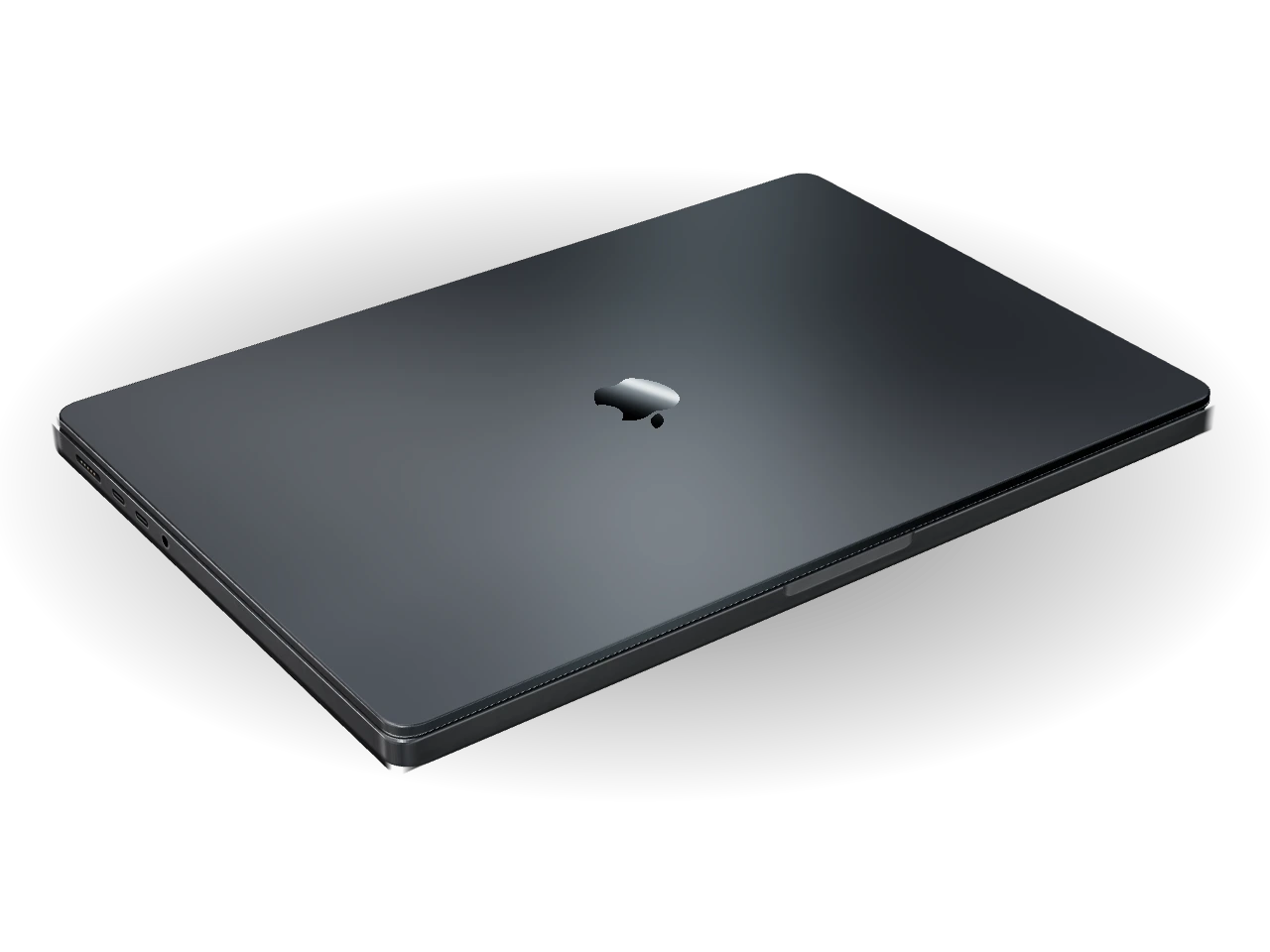
Closed Space Black MacBook in side profile.

One browser for your whole day.

Argo Browser · Native to Mac · In beta

Give your day some Space.

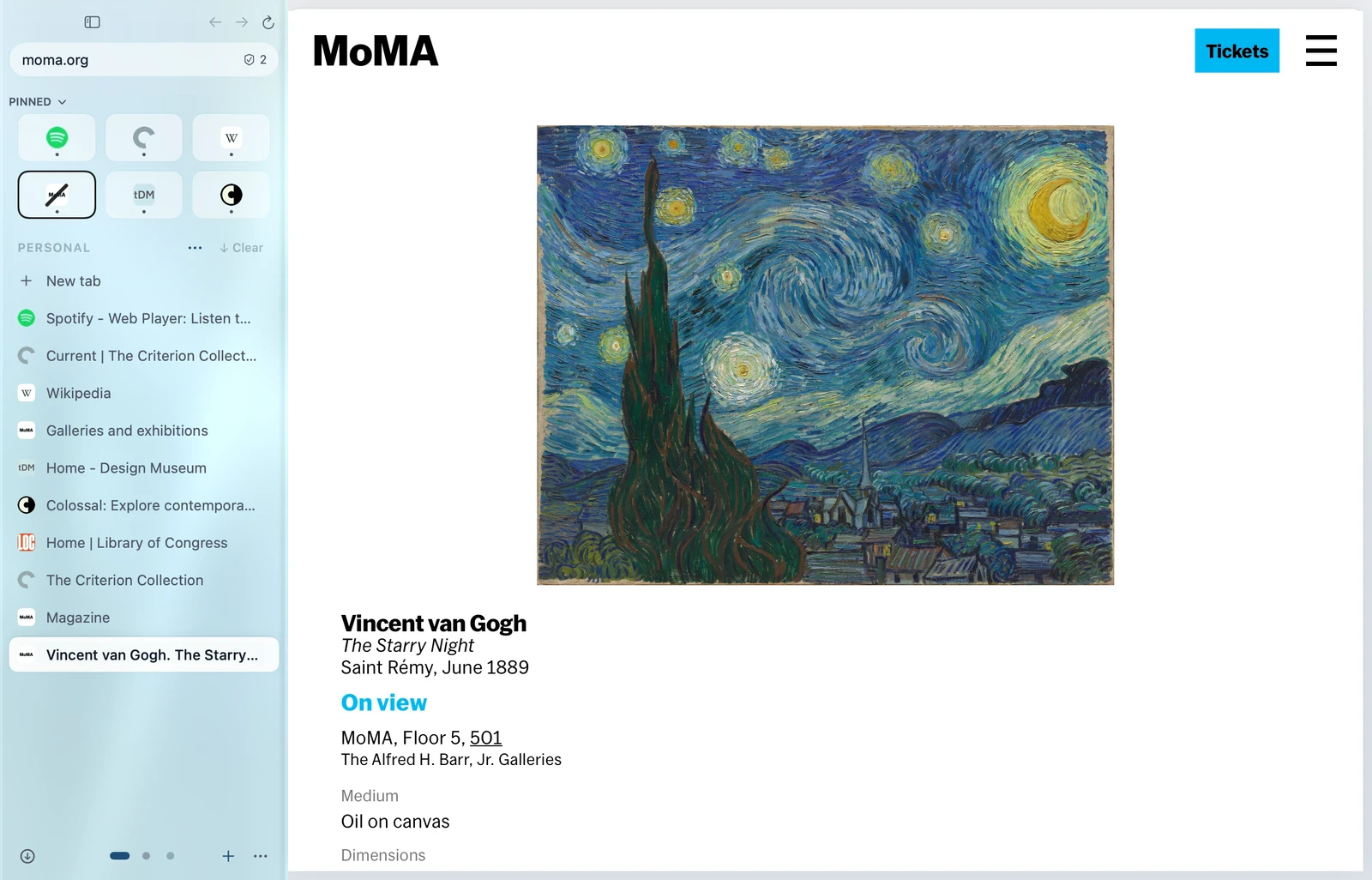
Swipe two fingers to switch Spaces. Leave the gallery open in Personal. Swipe to Saturn in Work.

Pinch for the story.

Lift out the main points. With AI enabled, Argo brings NASA’s page into a card you can copy or ask about.

⇧⌘SSummarize this page

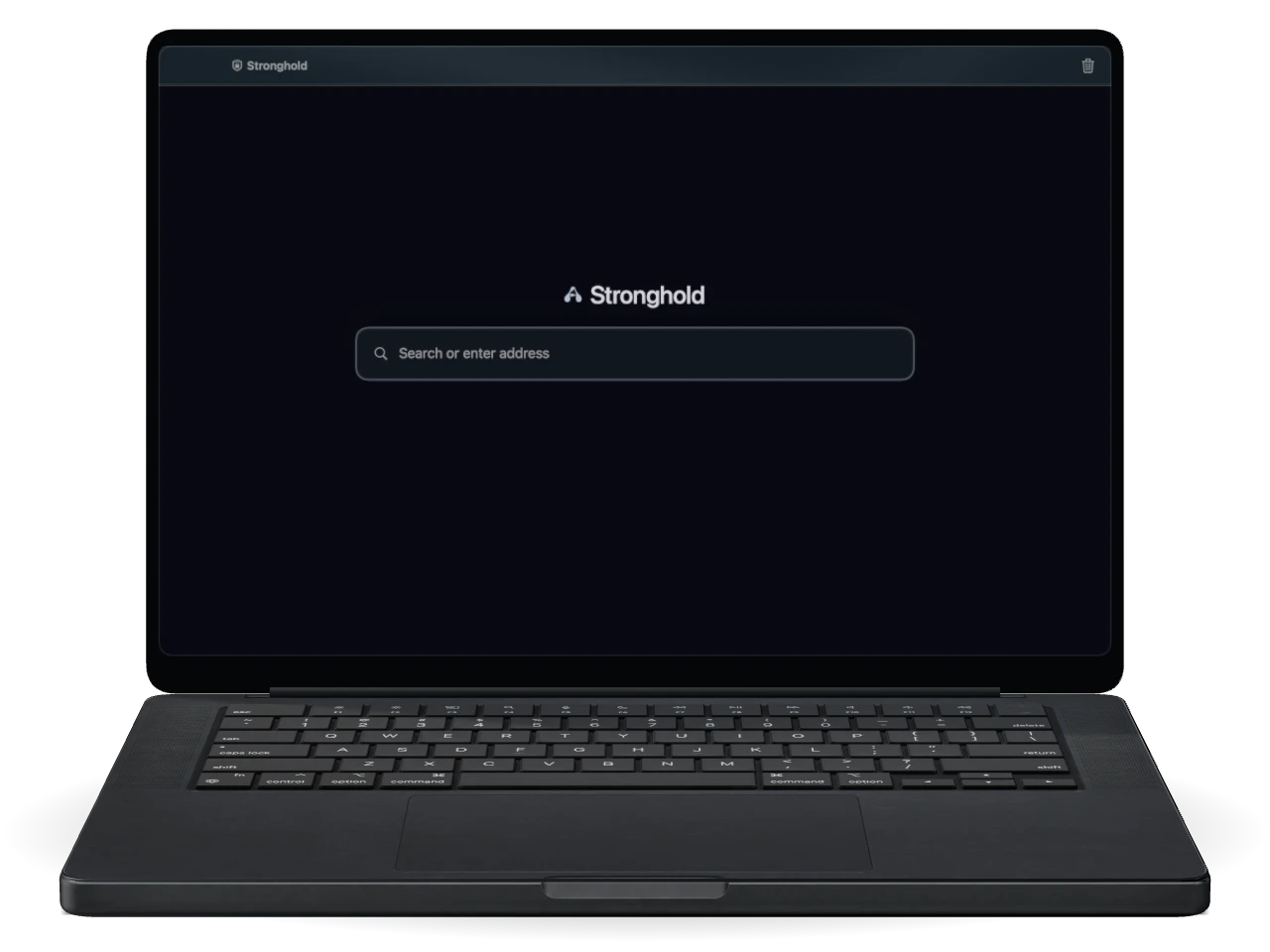
Open a window in Stronghold.

Its cookies stay in memory. Trackers are blocked. Sites can’t use your camera or microphone.

⇧⌘NOpen window

Sweep your private window.

Private tabs close. Everyday tabs stay. Sweep clears the private session’s cookies and site data.

⇧⌘⌫Sweep the session

Inside Stronghold.

Open a private window. When you close it, Argo discards the session.

Connections
Stronghold requires HTTPS and turns on WebKit Lockdown Mode for every page. If a site can’t connect securely, it stops there.
Tracking
Strict blocking covers ads, trackers, fingerprinting and third-party cookies. Every site gets the Global Privacy Control signal.
Permissions
Sites get an automatic no when they request your camera, microphone, location or notifications.
On your Mac
Private tabs stay out of history, Spotlight and Handoff. Ask and extensions stay outside the window. You can require Touch ID to open it.
After Sweep
Argo clears the tabs, cookies, site data and temporary downloads. Files you chose to save elsewhere stay on your Mac.

Try Argo on your Mac.

Join the early-access list. Argo is in beta for macOS 14 and later.

We’ll use your email for your Argo beta invitation.

Enable JavaScript to join the early-access waitlist.

Privacy Policy · Terms and Conditions