Bring your Spaces.
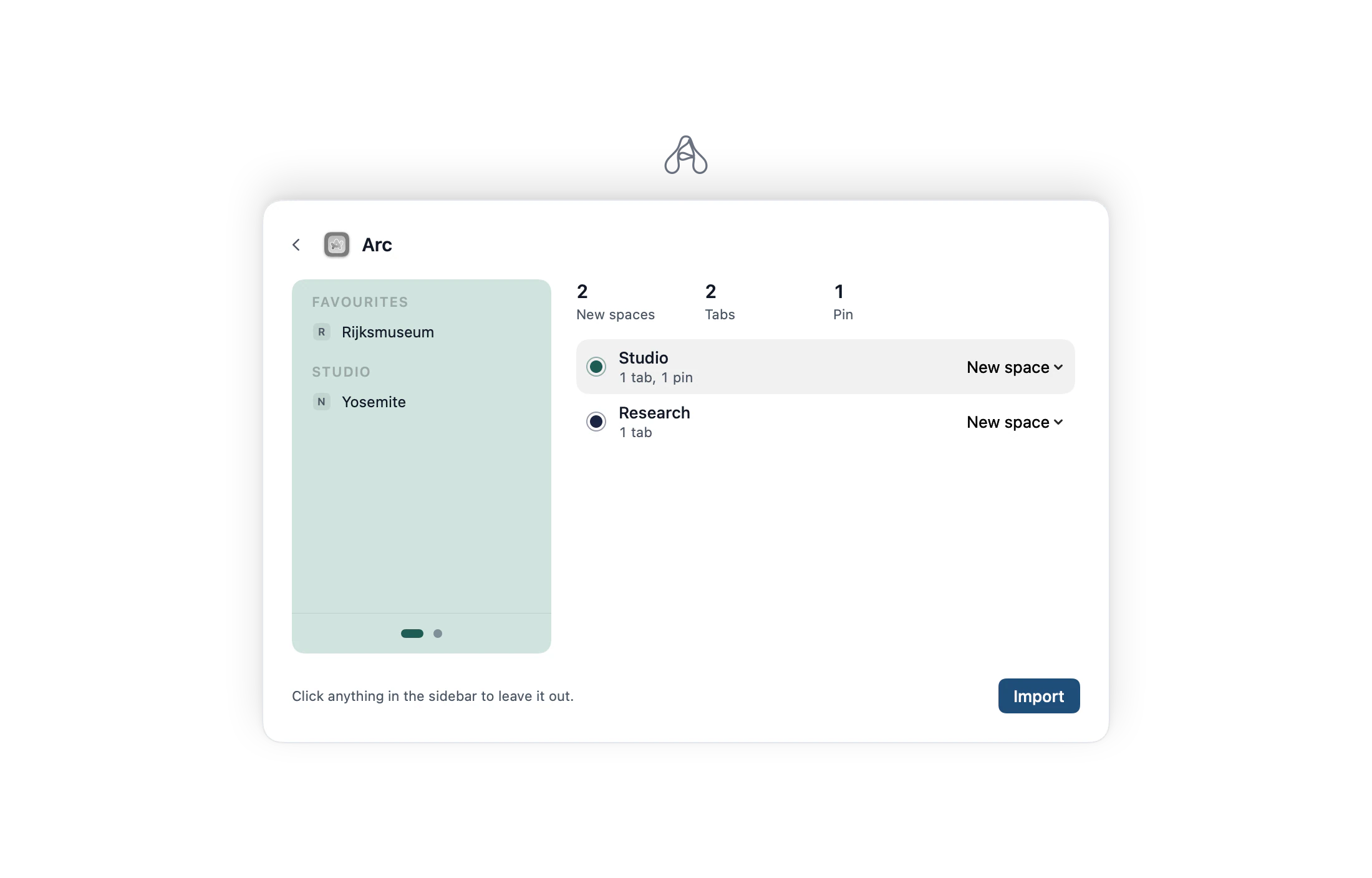
Choose the Spaces, pins and open tabs you want to bring from Arc. Review them together before anything moves.
Native WebKit browser · macOS 14 or later

01
Three steps
- Choose File, Import From, Arc. Argo opens Arc’s own folder for you.
- Pick the file. Argo counts what it found: spaces, pinned tabs, open tabs.
- Agree. Nothing is imported until you say so, and nothing in Arc is changed.
02
What comes with you
- From Arc. Every space, with its name and the nearest colour. Its pinned tabs. Its open tabs.
- From Chrome. Bookmarks and history. Chrome keeps open tabs in a format other apps can’t read reliably, so those stay behind.
- From Safari. Bookmarks and the Reading List.
- Passwords. From the CSV file any browser can export, straight into your Mac’s keychain.
03
What you’ll recognise
Spaces, each with its own colour. A sidebar instead of a tab strip. Split view. Peek. Tabs that tidy and archive themselves. One key that opens everything.
04
What’s different
- WebKit, not Chromium. Argo is native Swift on the engine inside Safari. Sites look the way they do there.
- No account. Nothing to sign in to. Your data stays on your Mac, so there is no sync yet.
- Extensions are early. Chrome extensions don’t run in Argo. Some Safari web extensions do, on macOS 15.4 or later.
- Privacy is on already. Blocking, link cleaning and the fingerprint shield need no setup.
Arc’s Mac browser is scheduled to close on December 22, 2026. Read Arc’s announcement.